Windows app · 100% offline
Sensitive recordings never leave the room.
Drag in audio or video and get clean text back, with speakers told apart and word-level subtitles. Everything runs on your own CPU — you could pull the network cable out and it would still work.
The reason it is offline —
Some recordings cannot be uploaded.
Every cloud transcription service asks you to hand over the audio. For a podcast that is fine. For a client interview, a board call, a medical consultation or anything covered by an NDA, it is the end of the conversation — the compliance answer is no, and it should be.
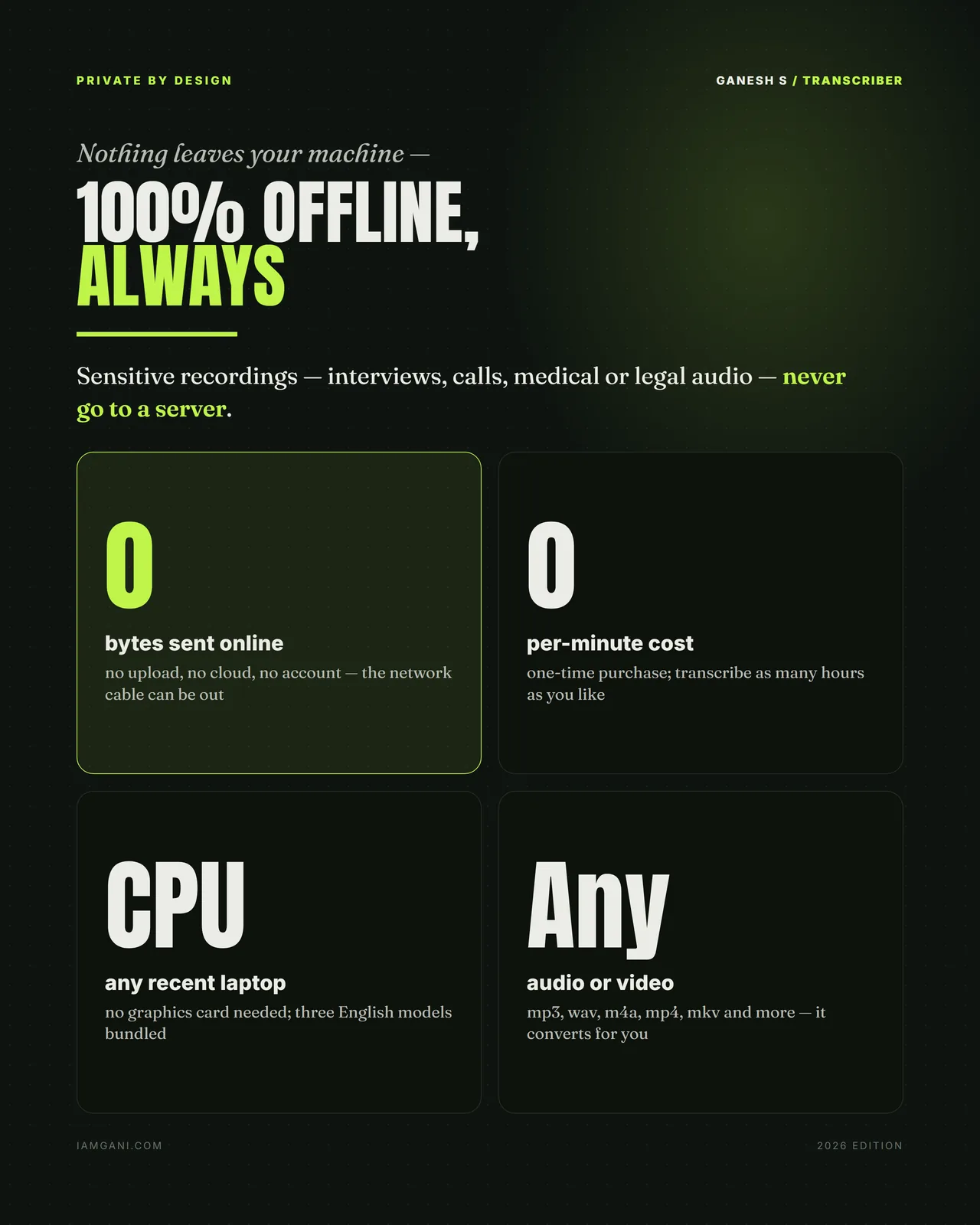
This runs entirely on the machine in front of you. Three English models ship inside it, the CPU does the work, and there is no account, no licence server and no telemetry. You can transcribe with the network cable out and it behaves identically.
The second consequence is cost. There is no per-minute meter, so a day of recordings costs the same as a single voice note: nothing. Queue a folder, walk away, and come back to finished transcripts.
- 0 bytes
- Sent online — no upload, no cloud, no account
- 0 per-minute
- Cost, forever; it is a one-time purchase
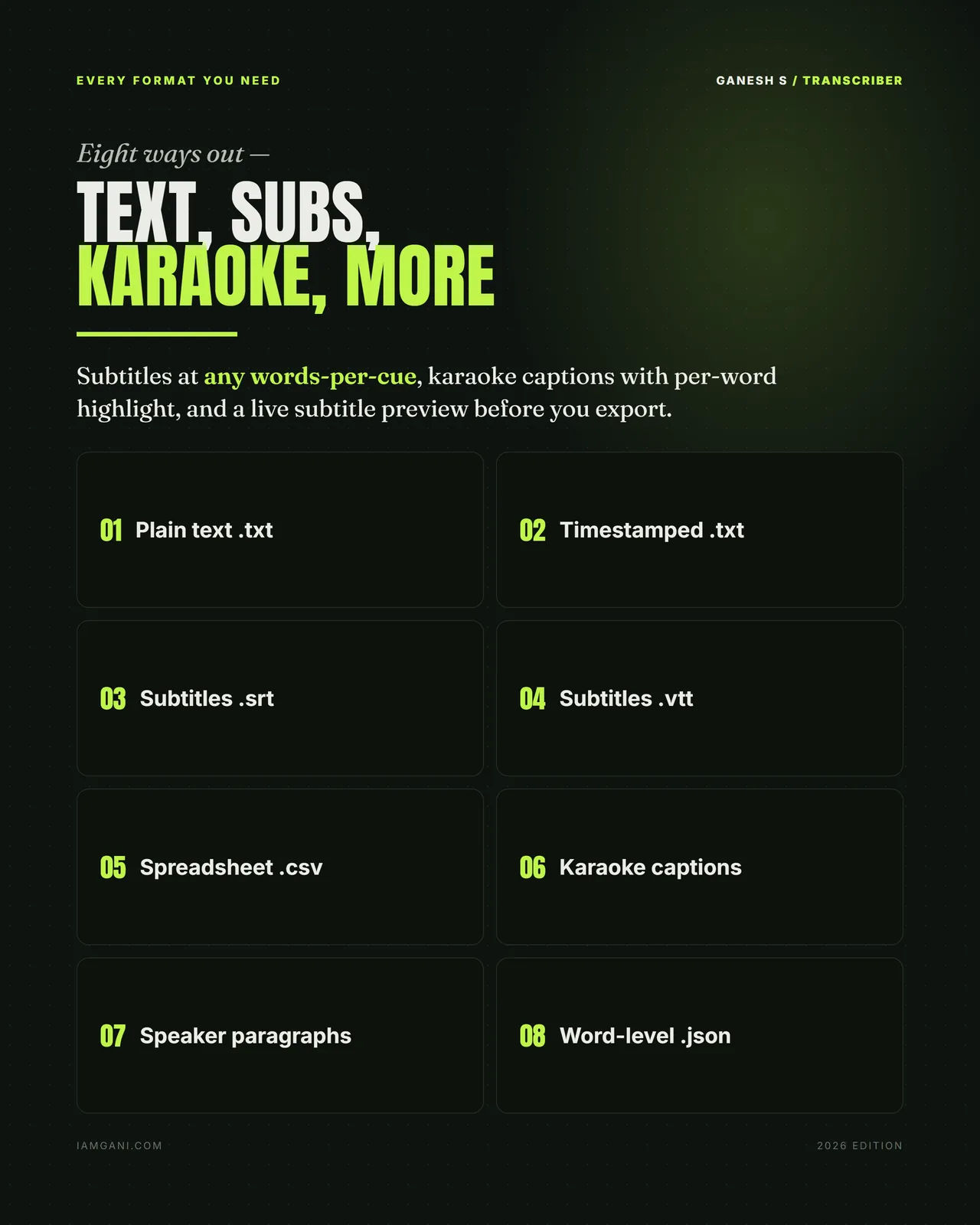
- 8 formats
- Text, timestamps, SRT, VTT, CSV, karaoke, speaker paragraphs, JSON
- 3 models
- Bundled, English, running on an ordinary laptop CPU
What it does
Queue, diarise, export
A queue that runs itself
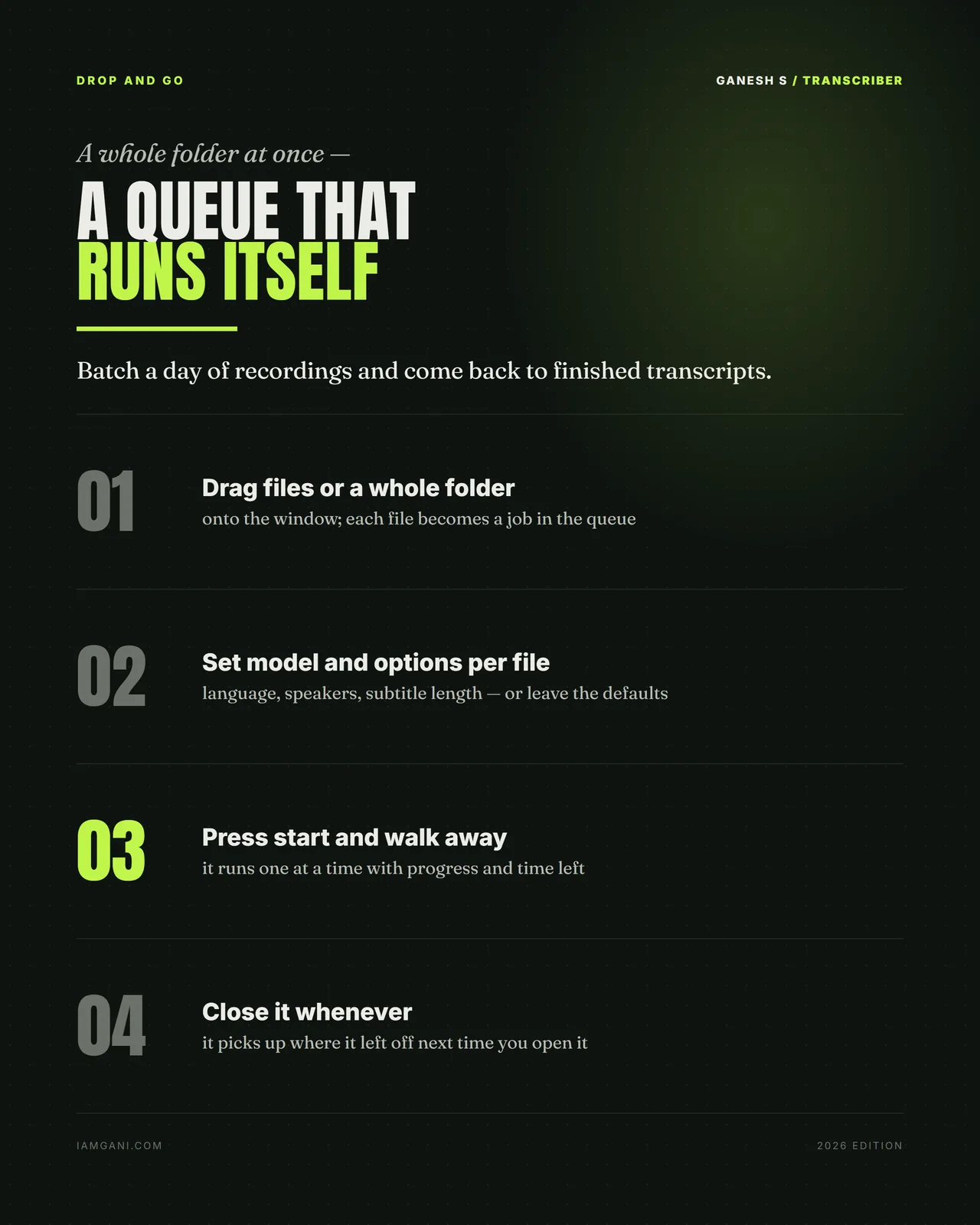
Drag in files or a whole folder; each becomes a job with its own model and options. Press start and walk away — progress and time remaining are shown, and closing the app does not lose your place.
Speakers, told apart
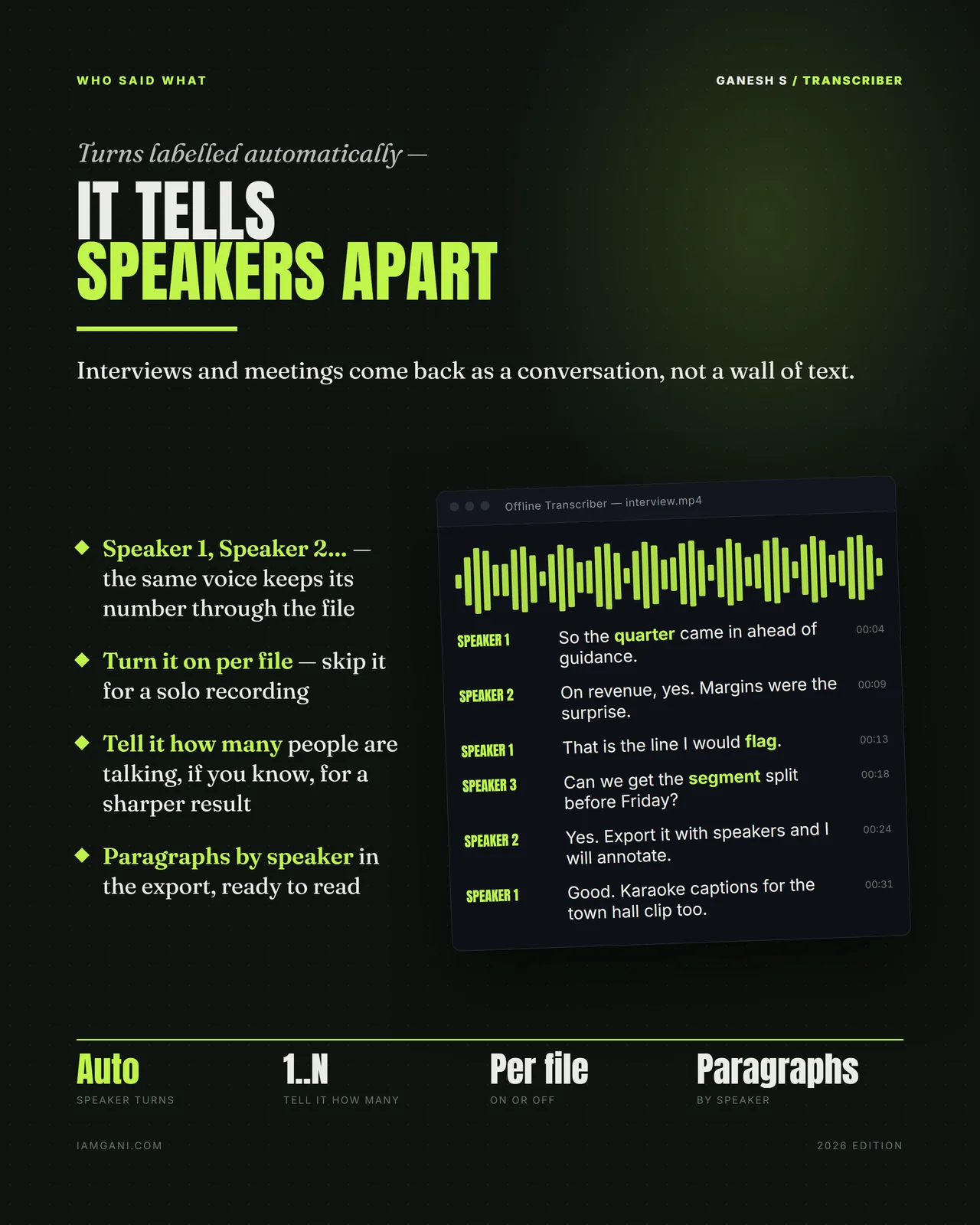
The same voice keeps its number through the file, so an interview comes back as a conversation rather than a wall of text. Tell it how many people are talking for a sharper result, or turn it off for a solo recording.
Instant re-export
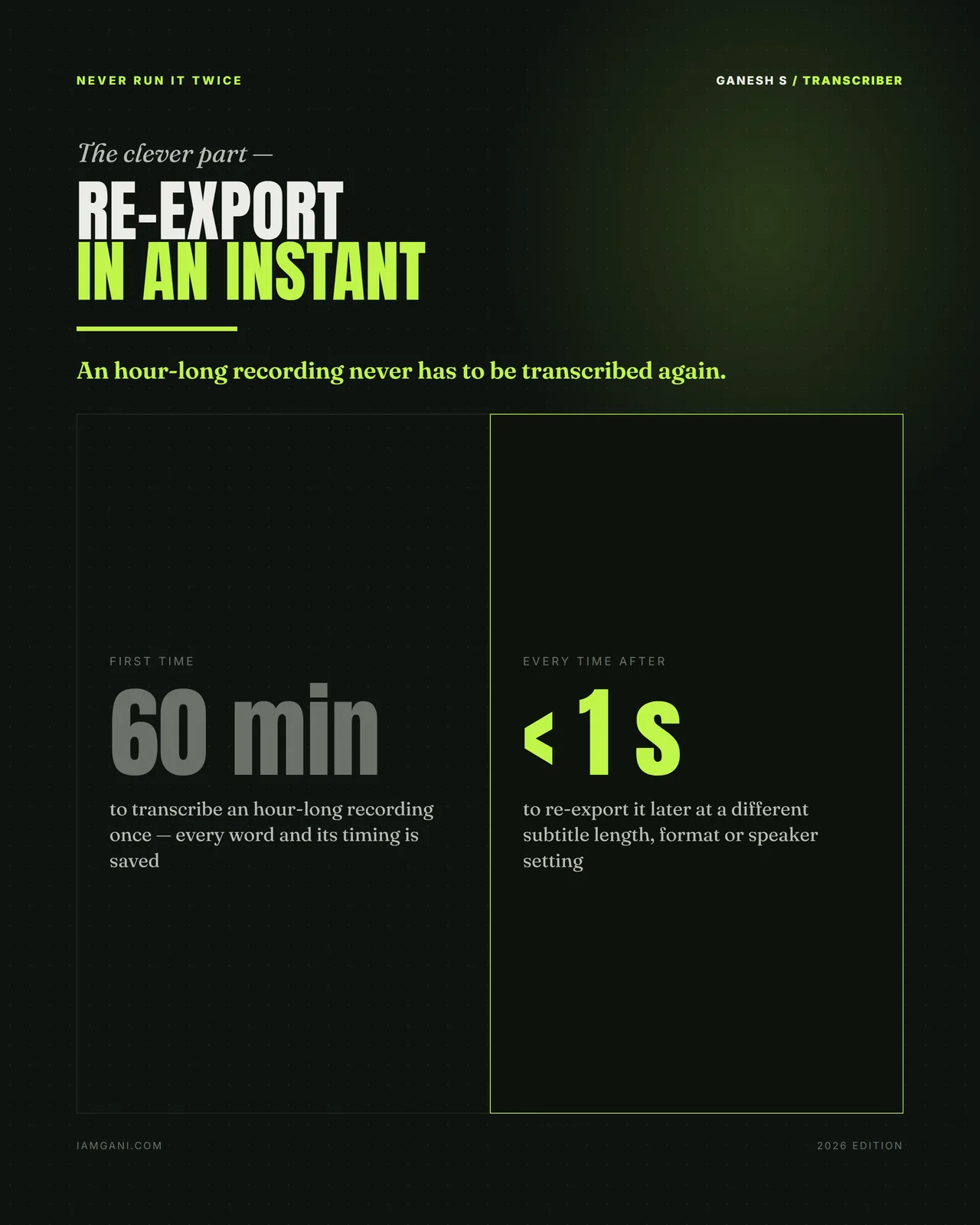
Every word and its timing is saved on the first pass. Changing subtitle length, format or speaker settings later costs seconds, not another hour of transcription.
What you get
In the box
- A self-contained Windows app — three English models bundled, more can be added
- Batch queue — a whole folder at once, resumable
- Automatic speaker labelling, on or off per file
- Eight export formats, including karaoke captions with per-word highlight
- A live subtitle preview before you export, at any words-per-cue
- Instant re-export from saved word timings
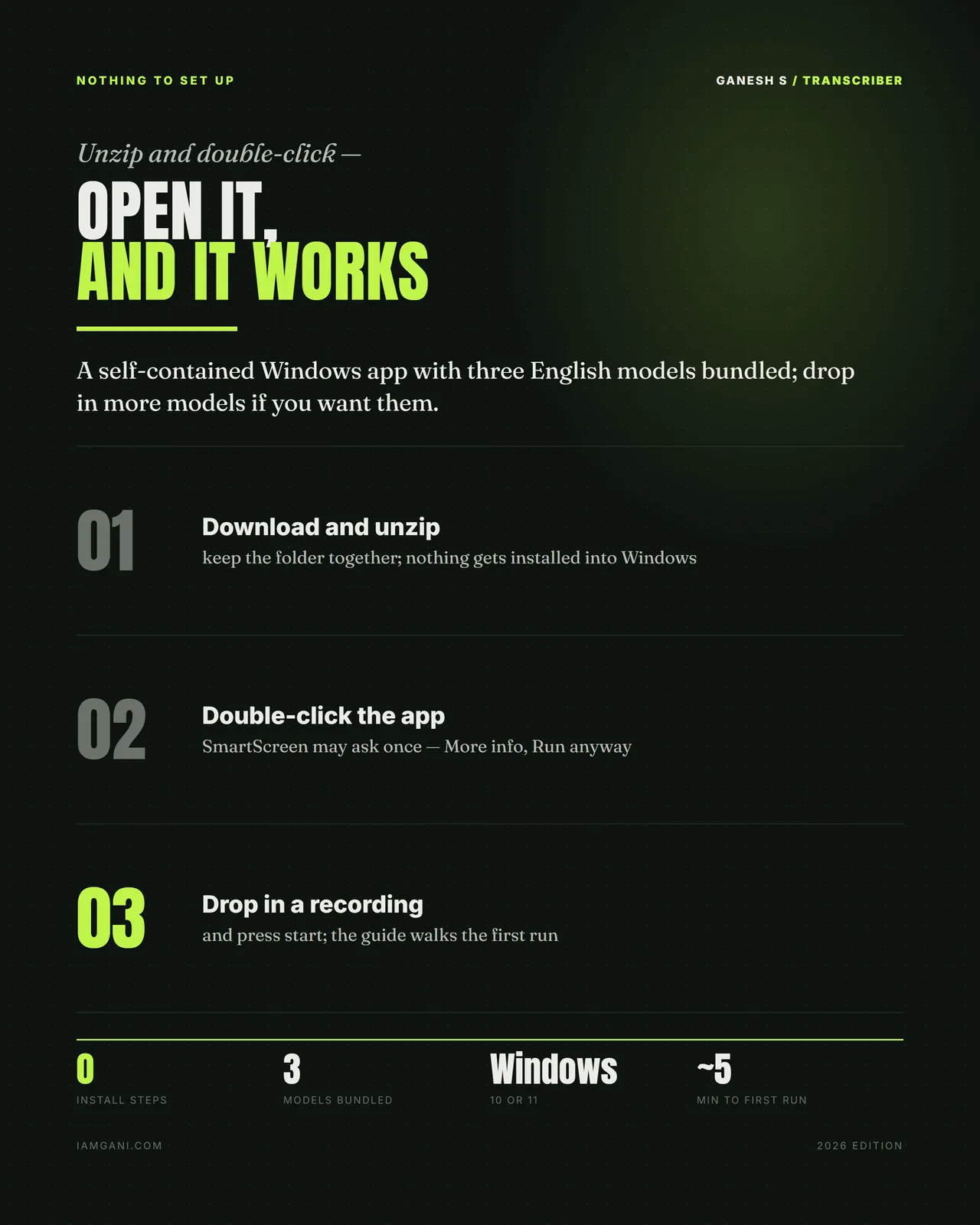
- Windows 10 or 11 · unzip and double-click · no install steps
Is it for you?
For you if
- You record interviews, calls, lectures or podcasts you would rather not upload
- You transcribe long recordings and are tired of paying by the minute
- You need subtitles (SRT, VTT) or speaker-separated text
Not for you if
- You use a Mac: it runs on Windows 10 or 11
- Your recordings are not in English: the bundled models are English
Get it
Pricing
One-time purchase
Offline Transcriber
- 100% offline — nothing ever leaves your laptop
- Unlimited hours, with no per-minute cost
- Speakers told apart and paragraphed
- Eight export formats, subtitles and karaoke included
- Instant re-export — never transcribe the same file twice
- Three English models bundled · Windows 10 or 11
Download link shown here and emailed to you — you can't lose it.
Questions
Does anything get uploaded?
No. It runs entirely on your laptop's own CPU, with three English models bundled inside it, so a recording never leaves the machine.
Is there a limit on hours?
No. It is a one-time purchase: unlimited hours, and no per-minute cost.
Which formats can it export?
Eight: plain text, timestamps, SRT, VTT, CSV, karaoke, speaker paragraphs and JSON. Re-exporting uses the saved word timings, so you never transcribe the same file twice.
What does it need?
Windows 10 or 11. Unzip it and double-click: there are no install steps.
How do I get it after paying?
The download link appears on screen the moment your payment goes through, and the same link is emailed to you. If you ever lose it, your library re-sends every file you bought to the email you paid with.
Can I get a refund?
Sales are final, because the files are delivered the moment you pay. If a download fails or a file is faulty, email me and you will get a working copy; if you are ever charged twice, the duplicate is refunded in full, usually within 5–7 working days. The full terms are on the policies page.