Windows app · 100% offline
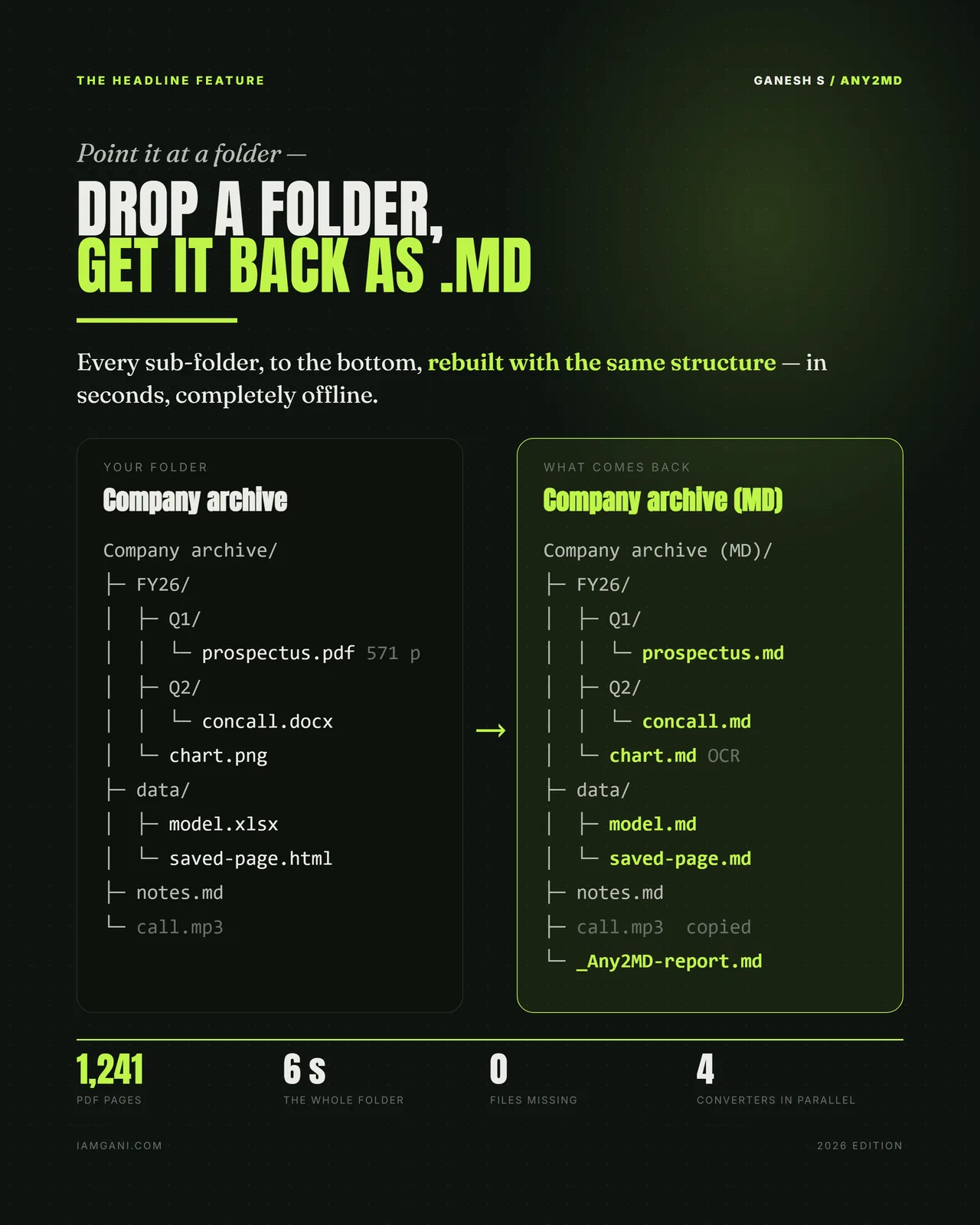
Point it at a folder. Get it back as Markdown.
Every sub-folder, to the bottom, rebuilt with the same structure — in seconds, completely offline. Twelve families of input, OCR built in, and nothing ever leaves the machine.
The reason this exists —
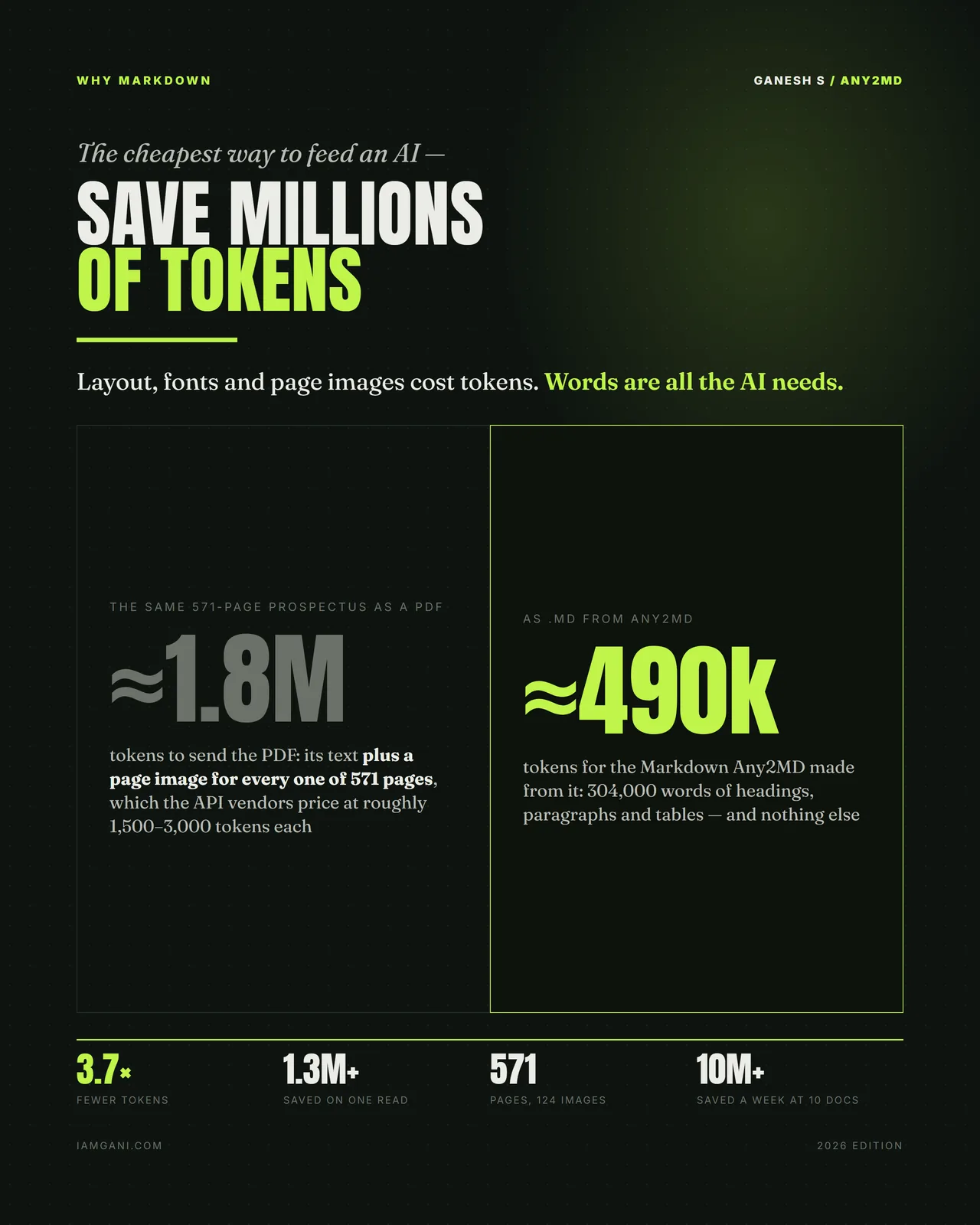
You are paying for page images.
Hand a modern AI a 571-page prospectus as a PDF and it costs roughly 1.8 million tokens: the text, plus a rendered image of every single page, which the vendors price at something like 1,500 to 3,000 tokens each.
The same document as Markdown — 304,000 words of headings, paragraphs and tables, and nothing else — is about 490,000 tokens. That is 3.7× fewer for the same content, and 1.3 million saved on one read. At ten documents a week it is over ten million tokens a week.
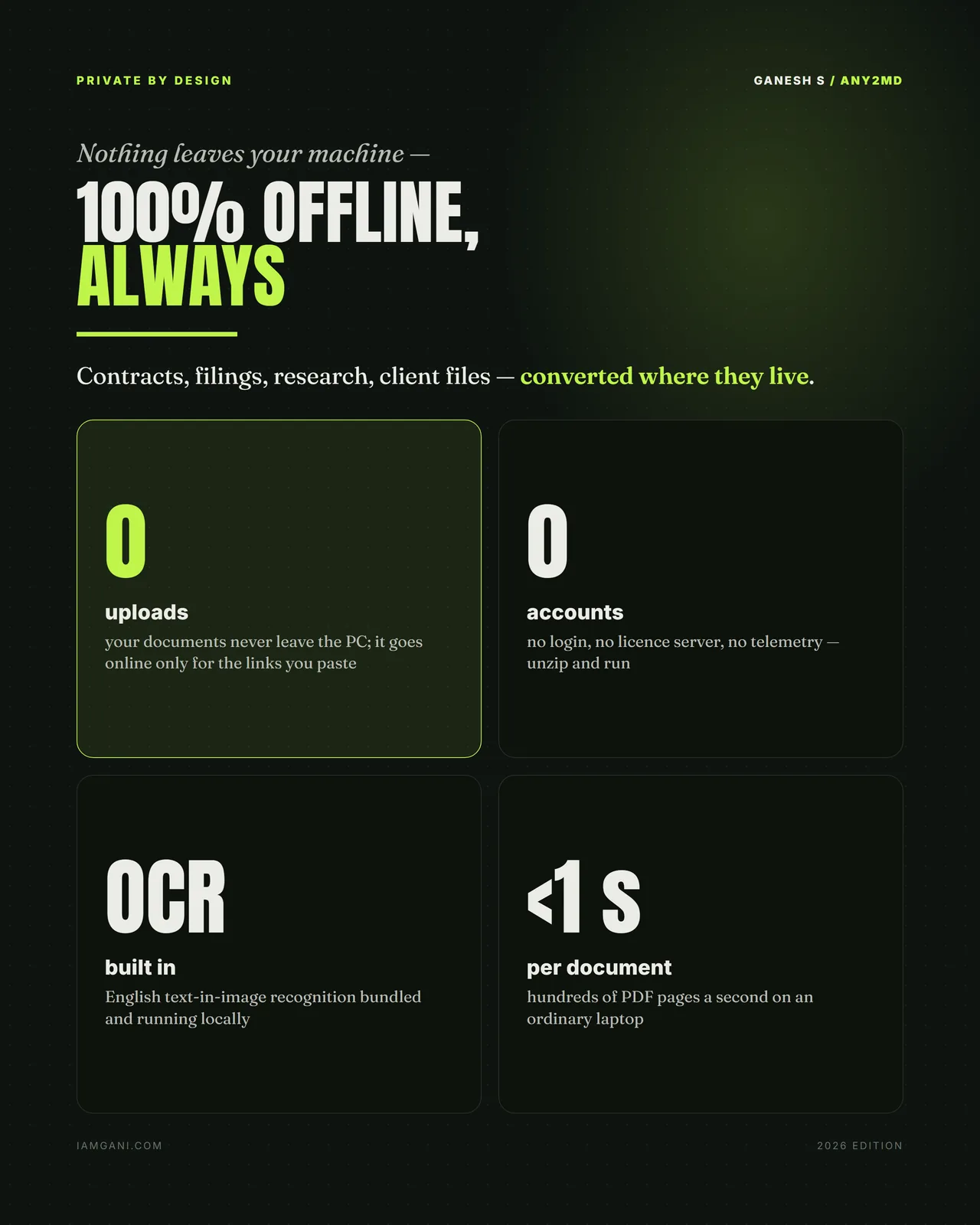
The other half of the argument is privacy. Cloud converters want your contracts and client files on their servers. This one runs on your laptop, has no login and no licence server, and only touches the network for links you explicitly paste.
- 3.7×
- Fewer tokens for the same 571-page document, as Markdown
- 12 families
- Of input, from PDF and Office to source code and saved web pages
- 0 uploads
- Documents never leave the PC; OCR runs locally too
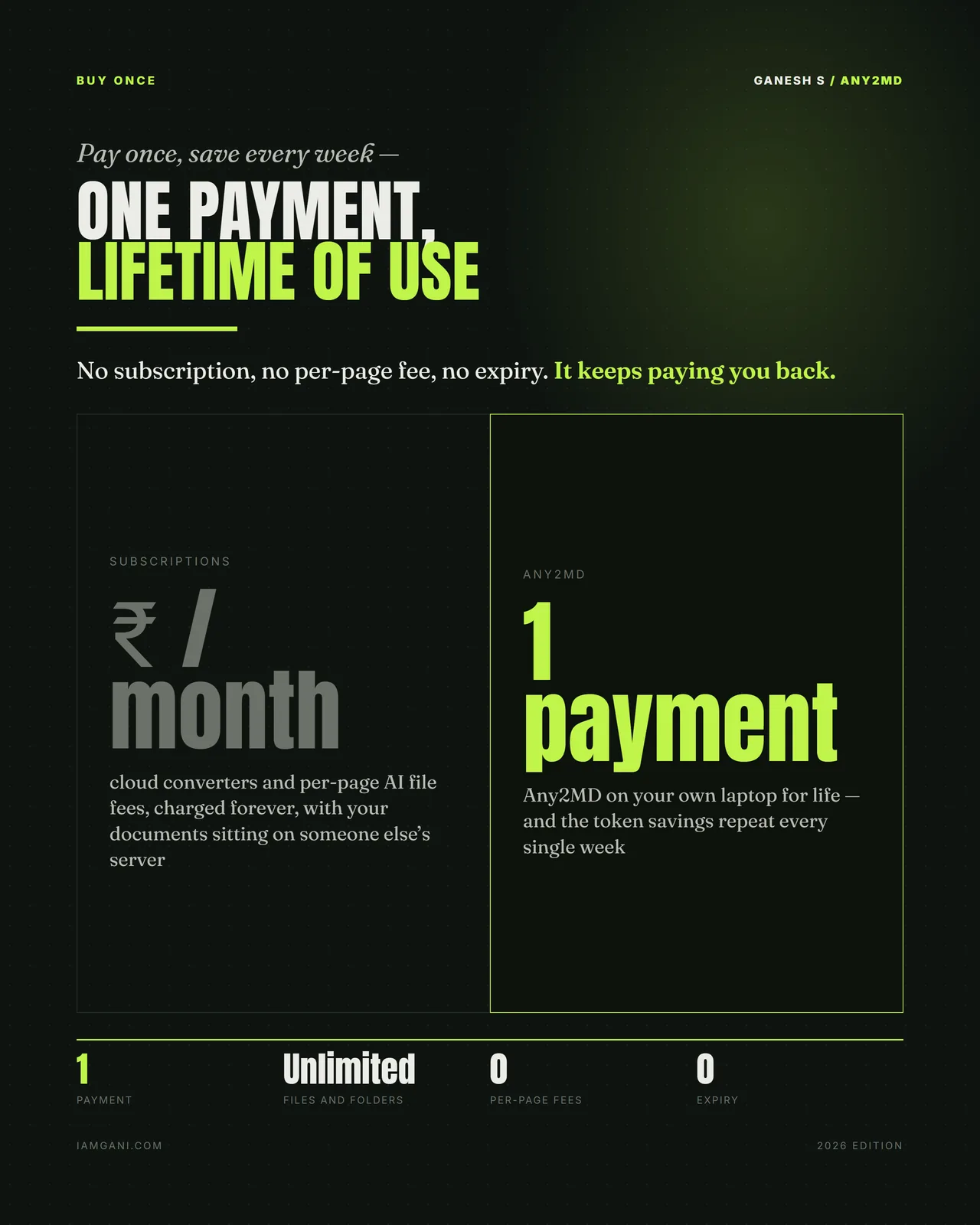
- 1 payment
- No subscription, no per-page fee, no expiry
What it converts
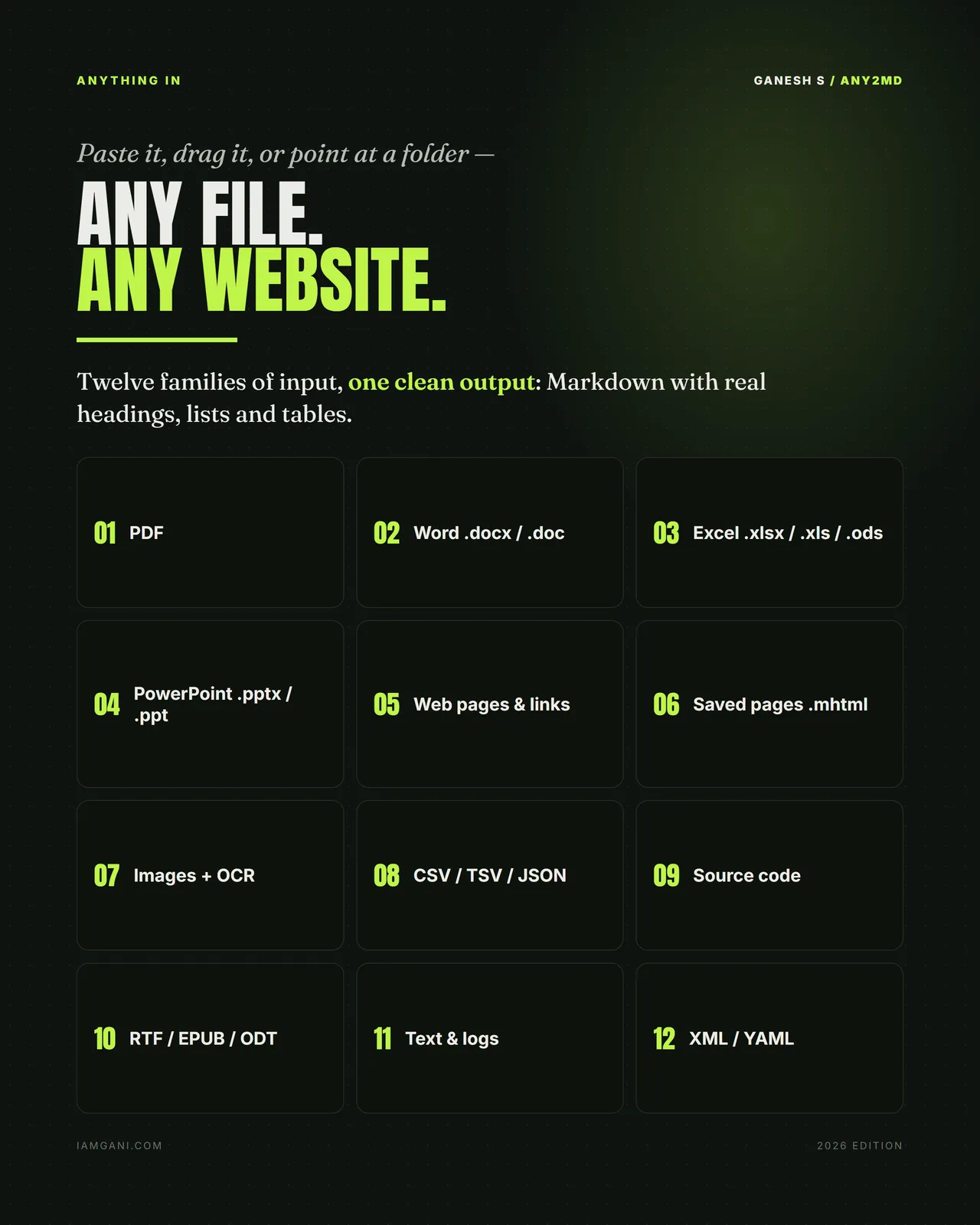
Twelve families of input
Documents
PDF, Word (.docx/.doc), Excel (.xlsx/.xls/.ods), PowerPoint (.pptx/.ppt), RTF, EPUB and ODT — all becoming Markdown with real headings, lists and tables rather than a wall of text.
The web
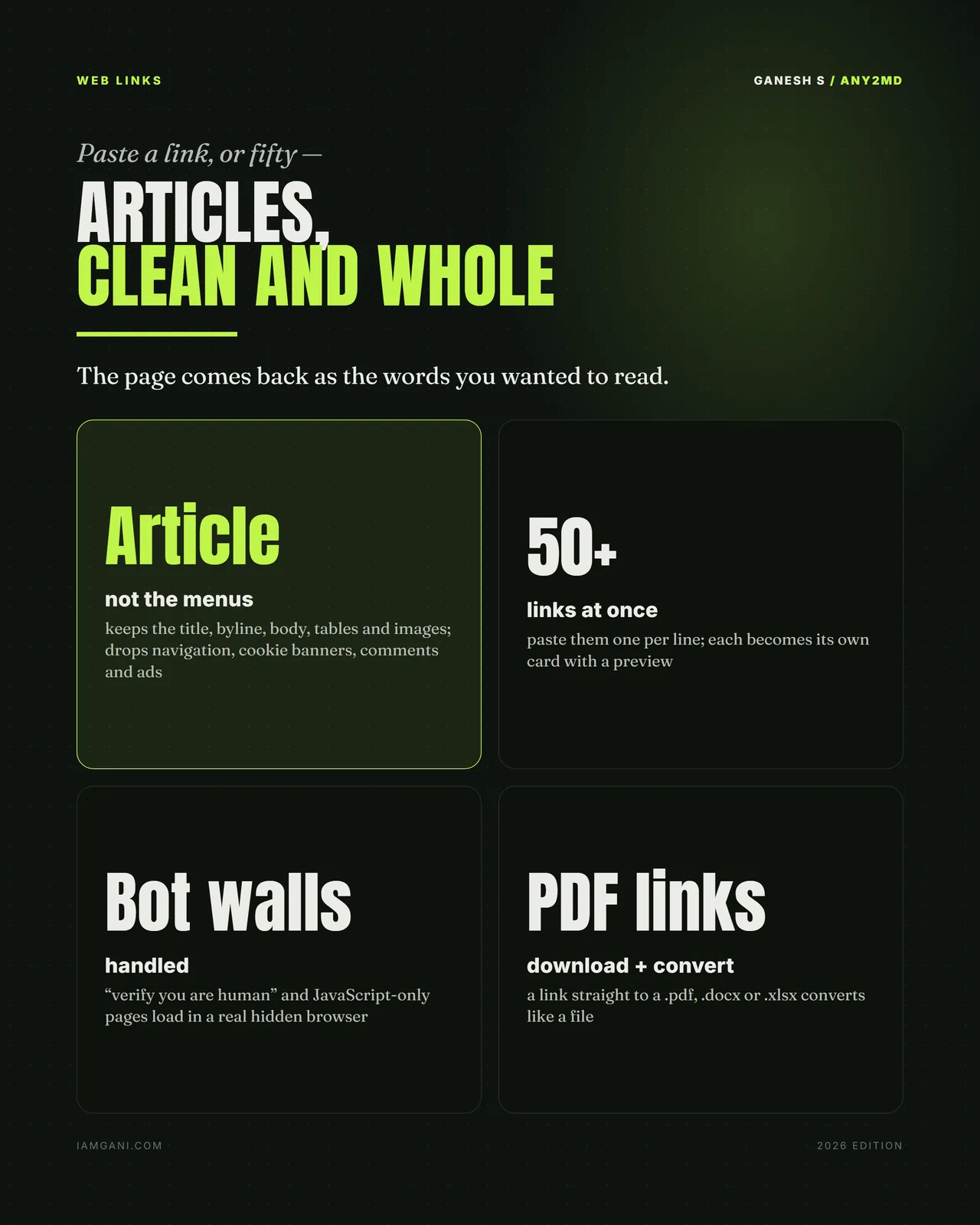
Paste one link or fifty. Article text is kept and the furniture is dropped. Bot walls and JavaScript-only pages load in a real hidden browser, and links straight to files download and convert like files.
Everything else
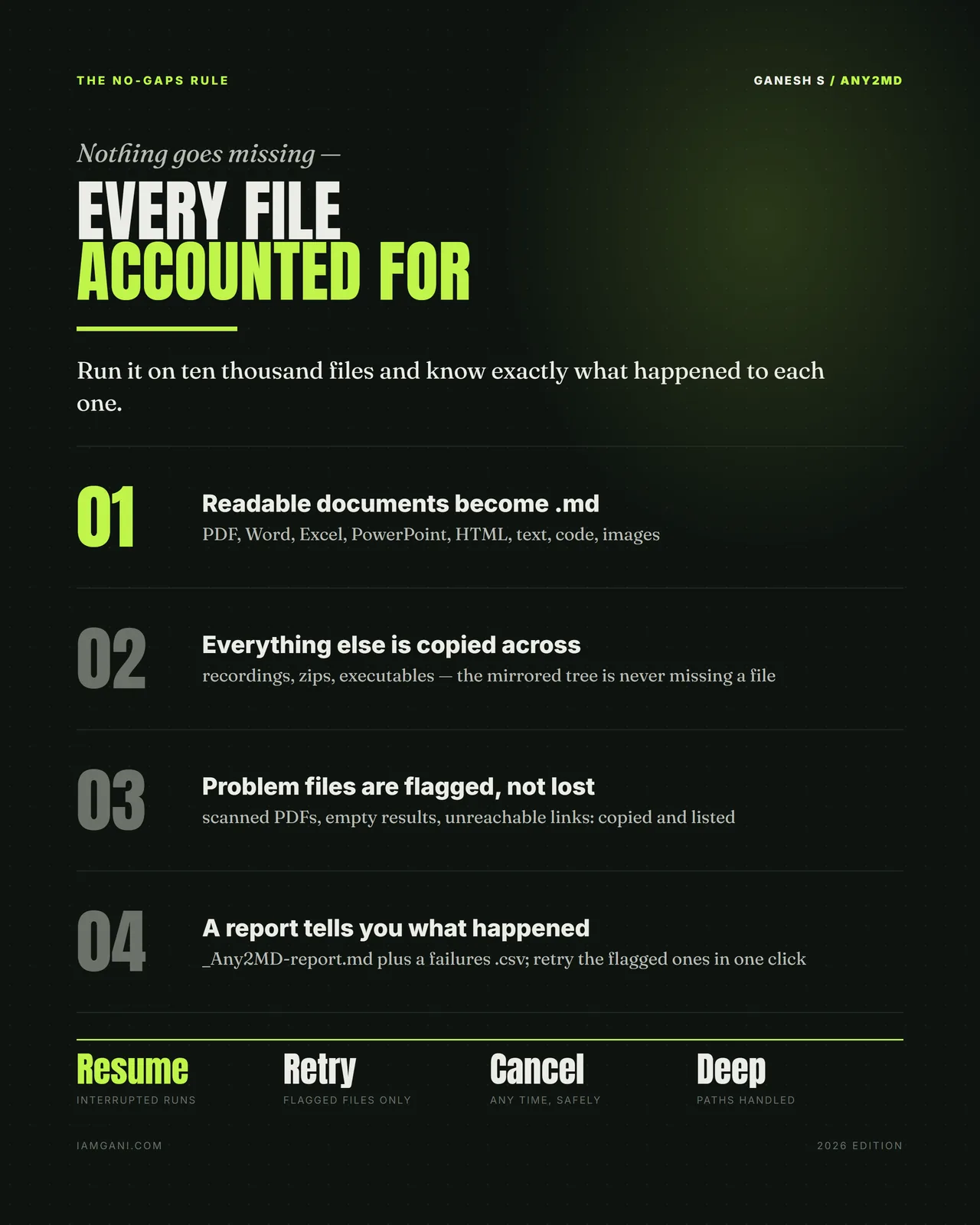
Images with local OCR, CSV/TSV/JSON, source code, plain text and logs, XML and YAML. Anything unreadable is copied across and flagged, so the mirrored tree is never missing a file.
What you get
In the box
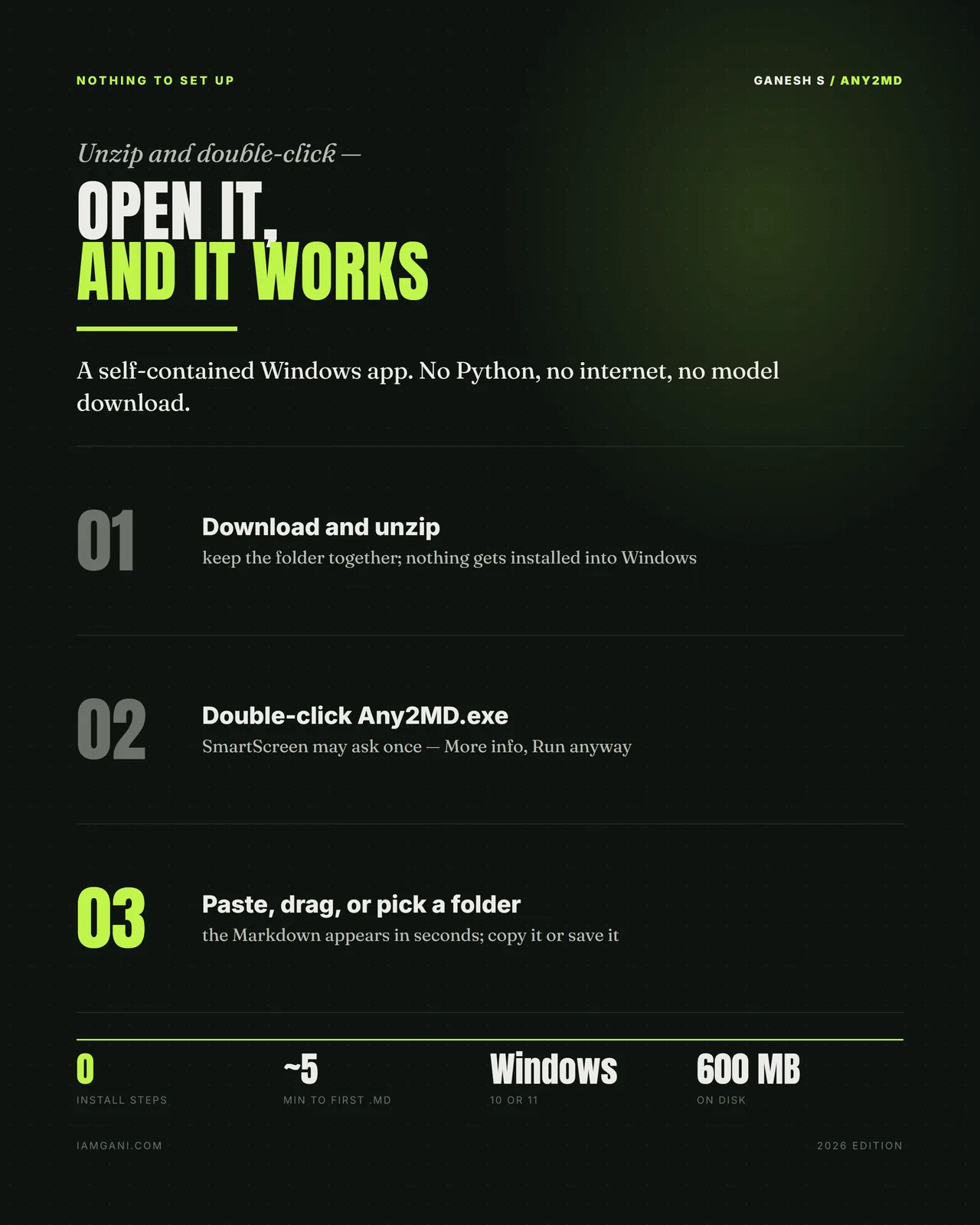
- A self-contained Windows app — no Python, no internet, no model download
- Folder mode — a whole tree rebuilt as Markdown, sub-folders and all
- Local OCR for text inside images and scanned pages
- Parallel conversion — hundreds of PDF pages a second on an ordinary laptop
- A run report plus a failures .csv, with one-click retry of flagged files
- Resume and cancel — interrupted runs pick up where they stopped
- Windows 10 or 11 · unzip and double-click · about 600 MB on disk
Is it for you?
For you if
- You feed documents to an AI and want cleaner text for fewer tokens
- You need whole folders converted, with the same structure
- Your documents must not leave your PC
Not for you if
- You use a Mac: it runs on Windows 10 or 11
Get it
Pricing
One-time purchase
Any2MD
- Twelve families of input, one clean Markdown output
- Whole folders rebuilt with the same structure
- Web links — fifty at a time, bot walls handled
- OCR built in and running locally
- The no-gaps rule — every file accounted for, with a report
- 100% offline · no account, no telemetry, no expiry
Download link shown here and emailed to you — you can't lose it.
Questions
Why Markdown?
Because an AI reads it for far fewer tokens: a 571-page prospectus costs 3.7× fewer tokens to read as Markdown.
What can it convert?
Twelve families of input, from PDF, Word, Excel and PowerPoint to EPUB, images (with OCR), CSV and JSON, source code and saved web pages, plus web links, fifty at a time.
Does anything get uploaded?
No. Documents never leave the PC and the OCR runs locally too. There is no account, no telemetry and no expiry.
What does it need?
Windows 10 or 11 and about 600 MB on disk. Unzip and double-click: no Python, no internet, no model to download.
How do I get it after paying?
The download link appears on screen the moment your payment goes through, and the same link is emailed to you. If you ever lose it, your library re-sends every file you bought to the email you paid with.
Can I get a refund?
Sales are final, because the files are delivered the moment you pay. If a download fails or a file is faulty, email me and you will get a working copy; if you are ever charged twice, the duplicate is refunded in full, usually within 5–7 working days. The full terms are on the policies page.