Automated research · SEBI + NSE + BSE
Five hundred pages of prospectus, read before breakfast.
Every morning it finds the new draft and final offer documents on SEBI, the NSE and the BSE, and messages you the list. You tick the ones worth a look. The finished research note comes back in the same chat — on free AI, on your own laptop.
₹299 · one-time, instant download
Get it →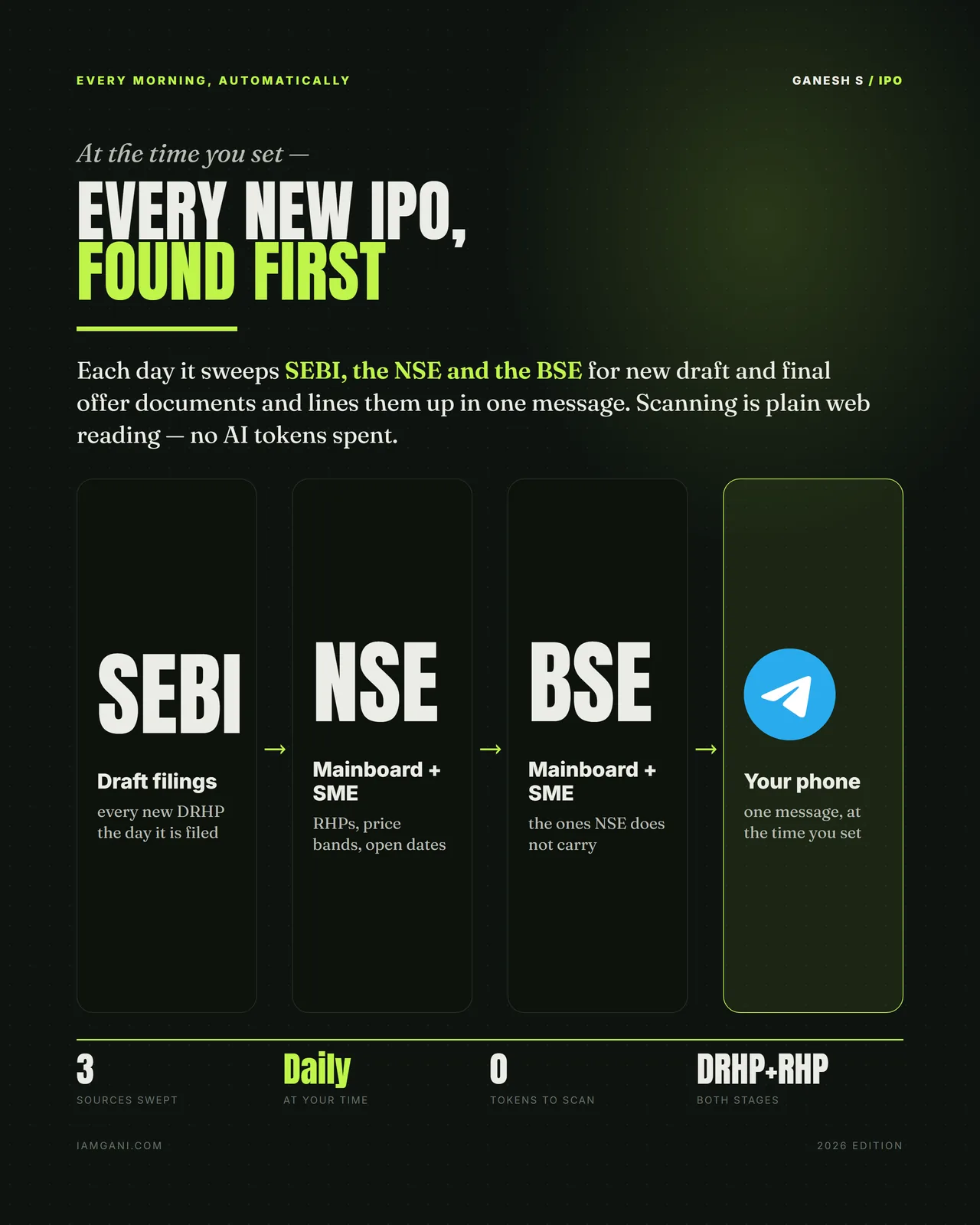
The part nobody actually does —
It re-adds every subtotal.
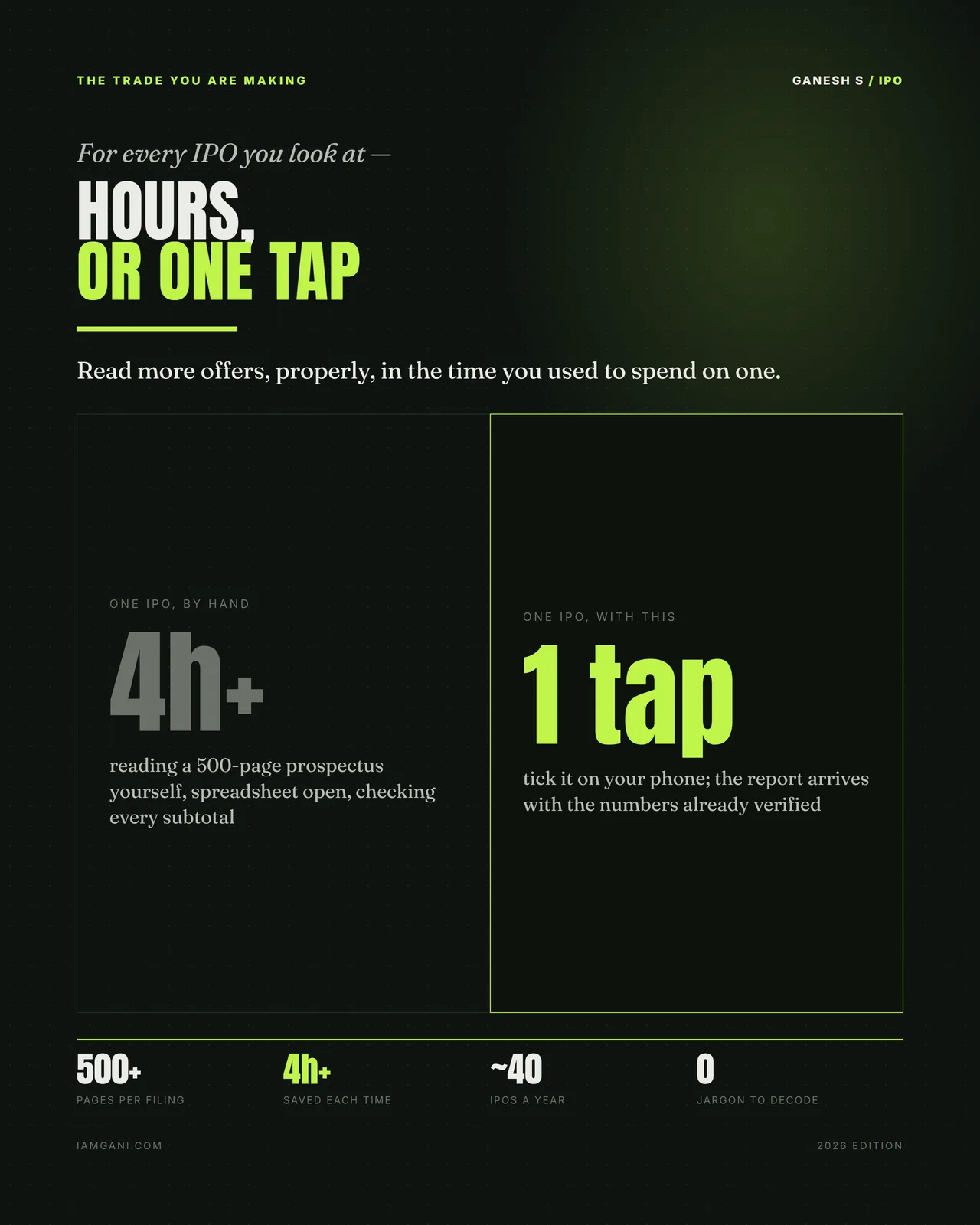
A red herring prospectus runs to five hundred pages and arrives with a two-day window. Almost nobody reads one. The people who say they have read one have read the summary, the risk factors and possibly the financials, and have taken the arithmetic on trust.
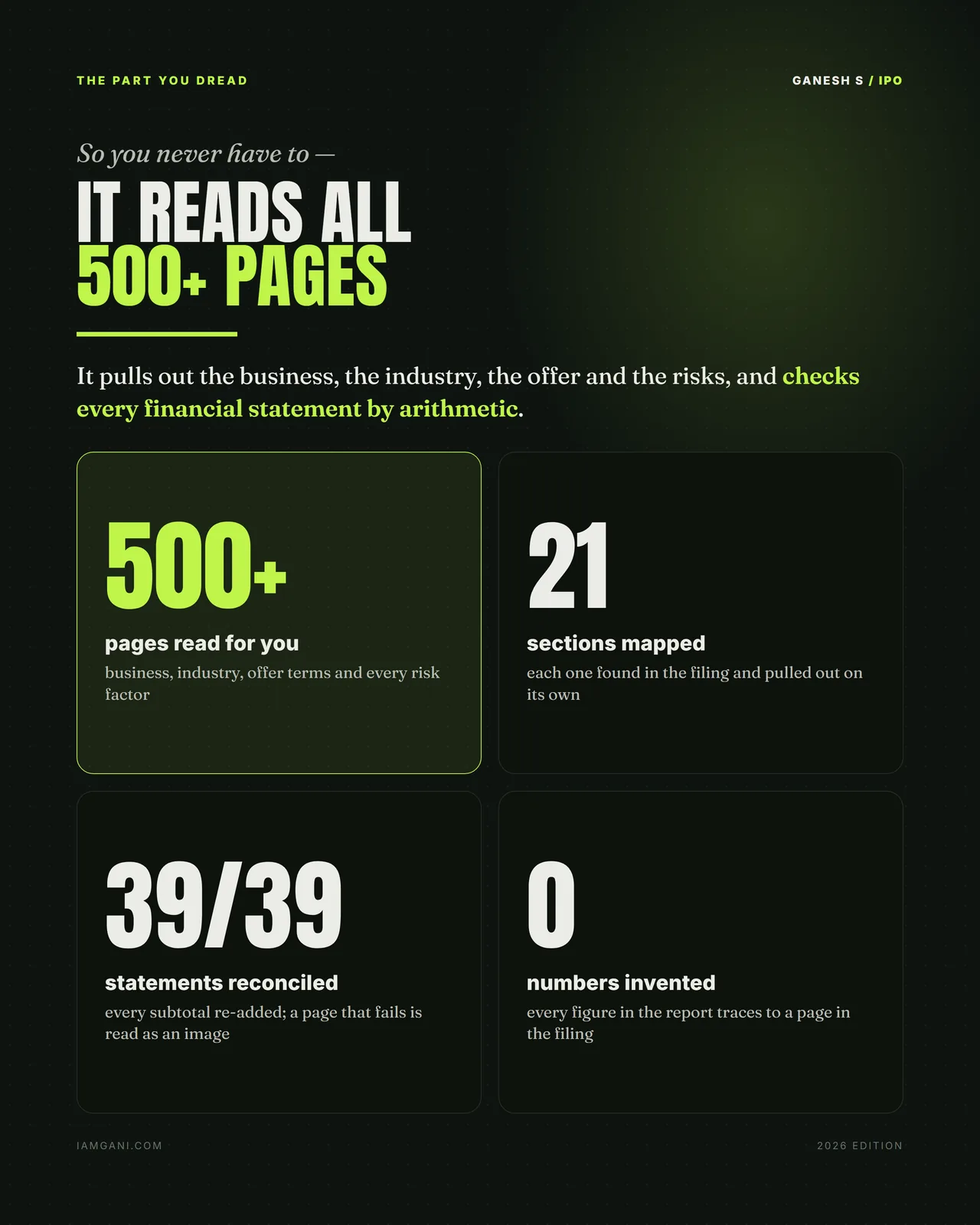
This does the part that is genuinely mechanical and genuinely necessary: it pulls out all twenty-one sections, restates the financials, and re-adds every subtotal in every statement. Thirty-nine of thirty-nine, or it tells you which one did not reconcile. A page that will not parse as text is read as an image rather than skipped.
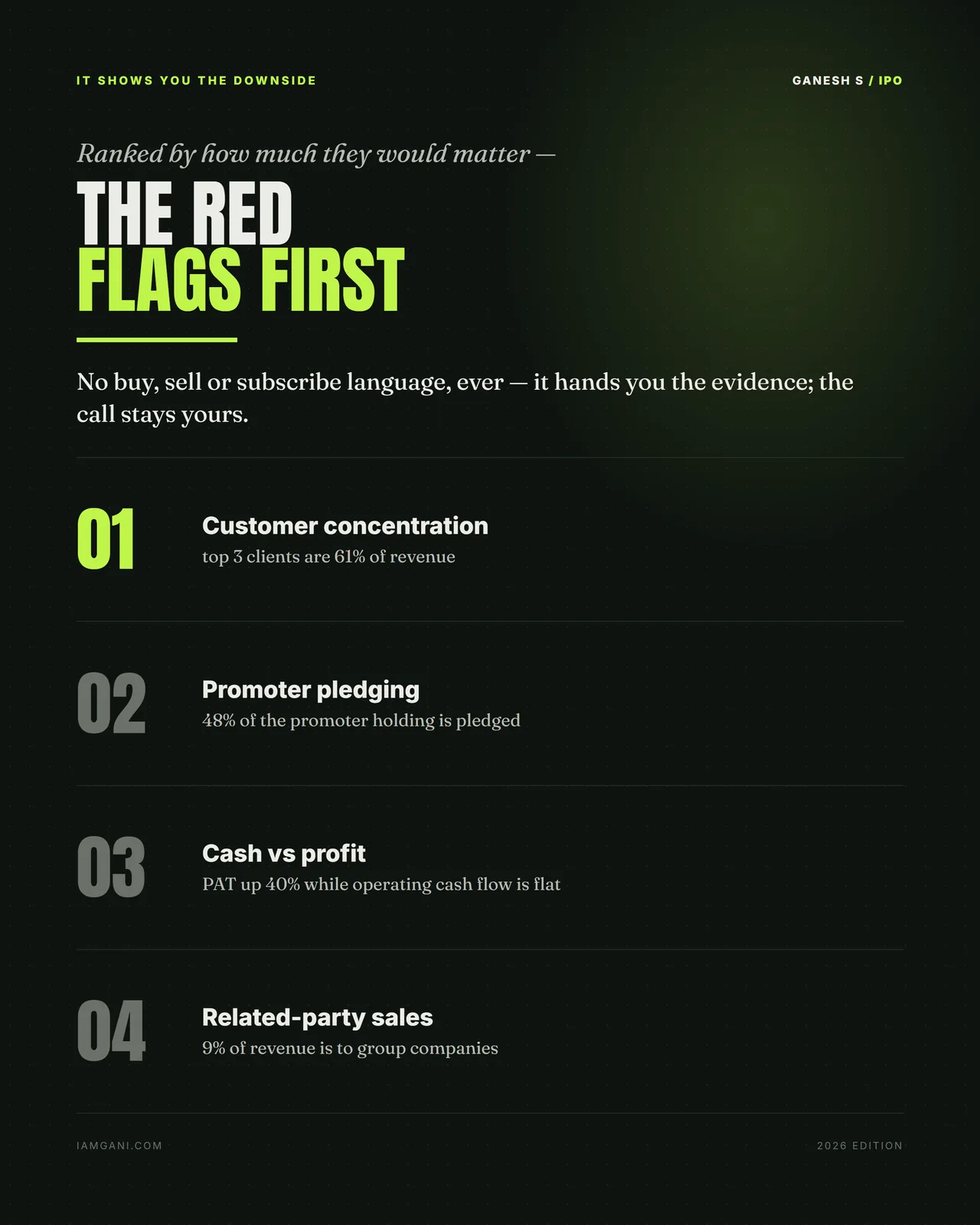
What it will not do is tell you whether to apply. There is no subscribe language anywhere in the output — you get the mechanics, the ranked red flags, the computed multiples and the scorecard with its reasons, and you decide.
- 500+ pages
- Read per filing — business, industry, offer terms, every risk factor
- 39 / 39
- Statement subtotals re-added; a page that fails is read as an image
- 3 sources
- SEBI draft filings, NSE and BSE mainboard and SME, swept daily
- ~40 a year
- Indian IPOs you can now look at properly instead of one
How it works
Three steps, one tap
It sweeps, you sleep
At the time you set, it reads SEBI for new DRHPs, and the NSE and BSE for mainboard and SME RHPs, price bands and open dates. Finding them is plain web reading — no AI tokens are spent on the search.
You tick on your phone
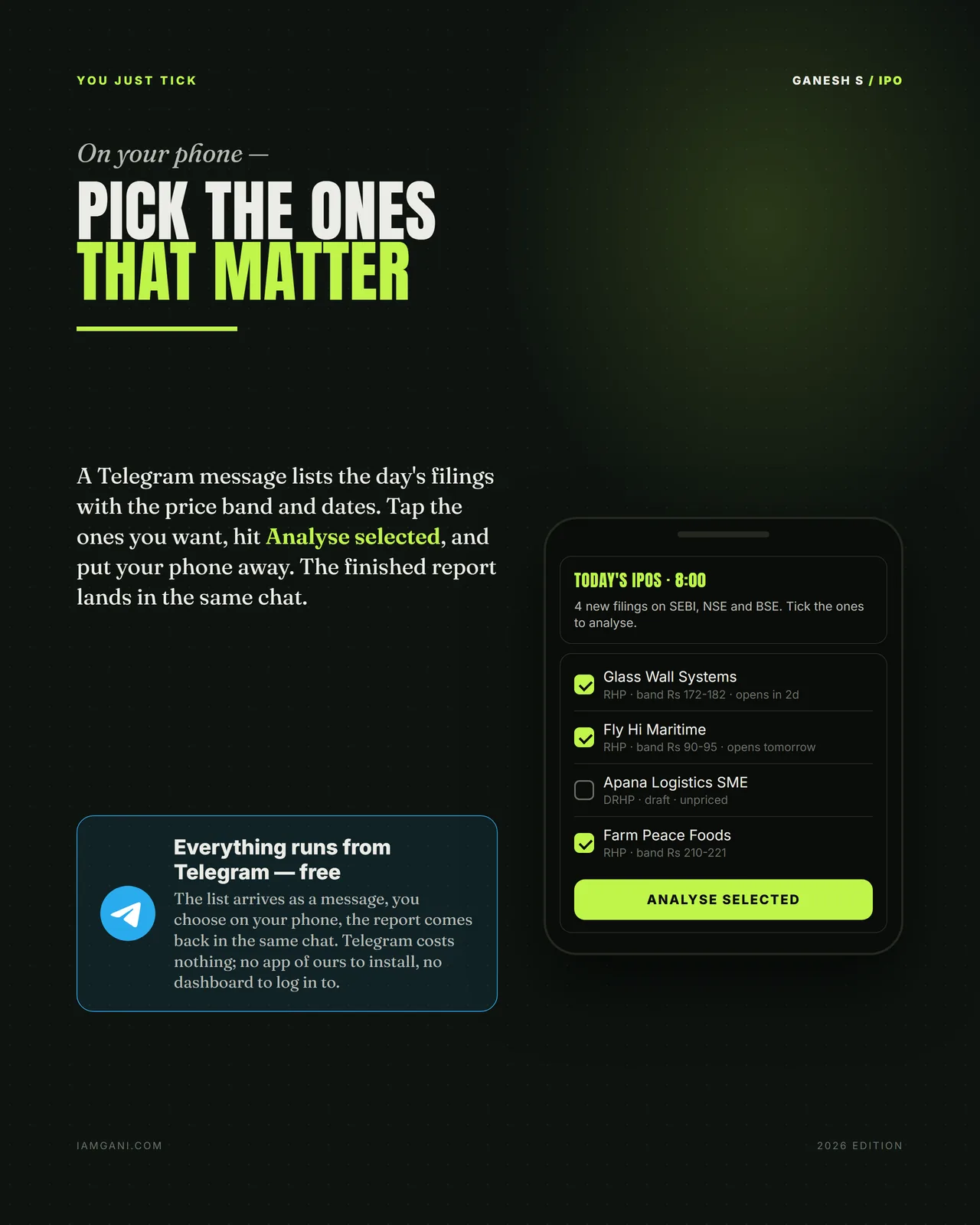
The day's filings arrive as one Telegram message with band and dates. Tap the ones you want and hit Analyse selected. There is no app of ours and no dashboard — Telegram is free and you already have it.
The note comes back
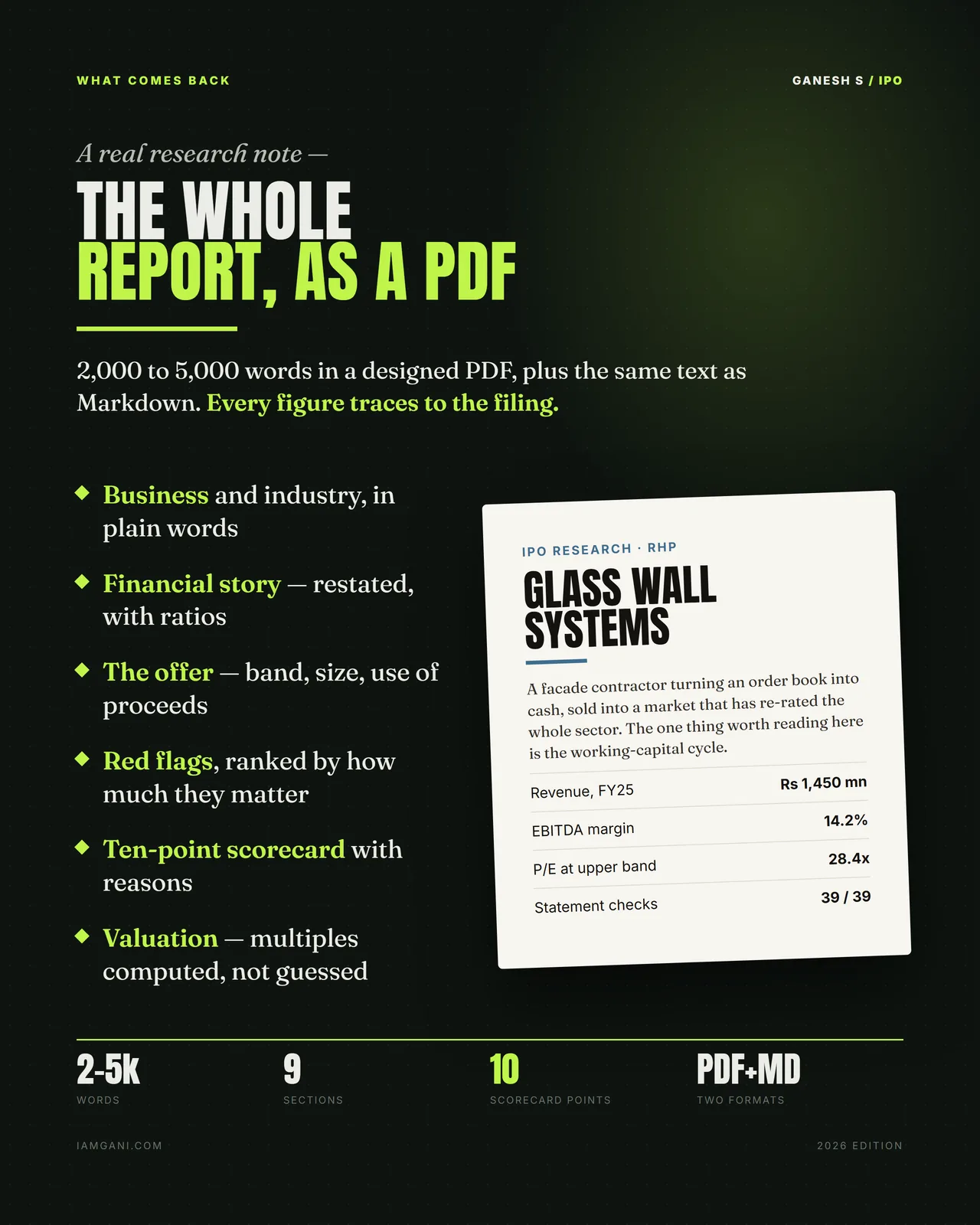
2,000–5,000 words as a designed PDF and as Markdown, plus a ten-point scorecard, computed valuation multiples, restated financials and a validation report saying exactly which statements reconciled.
What you get
In the box
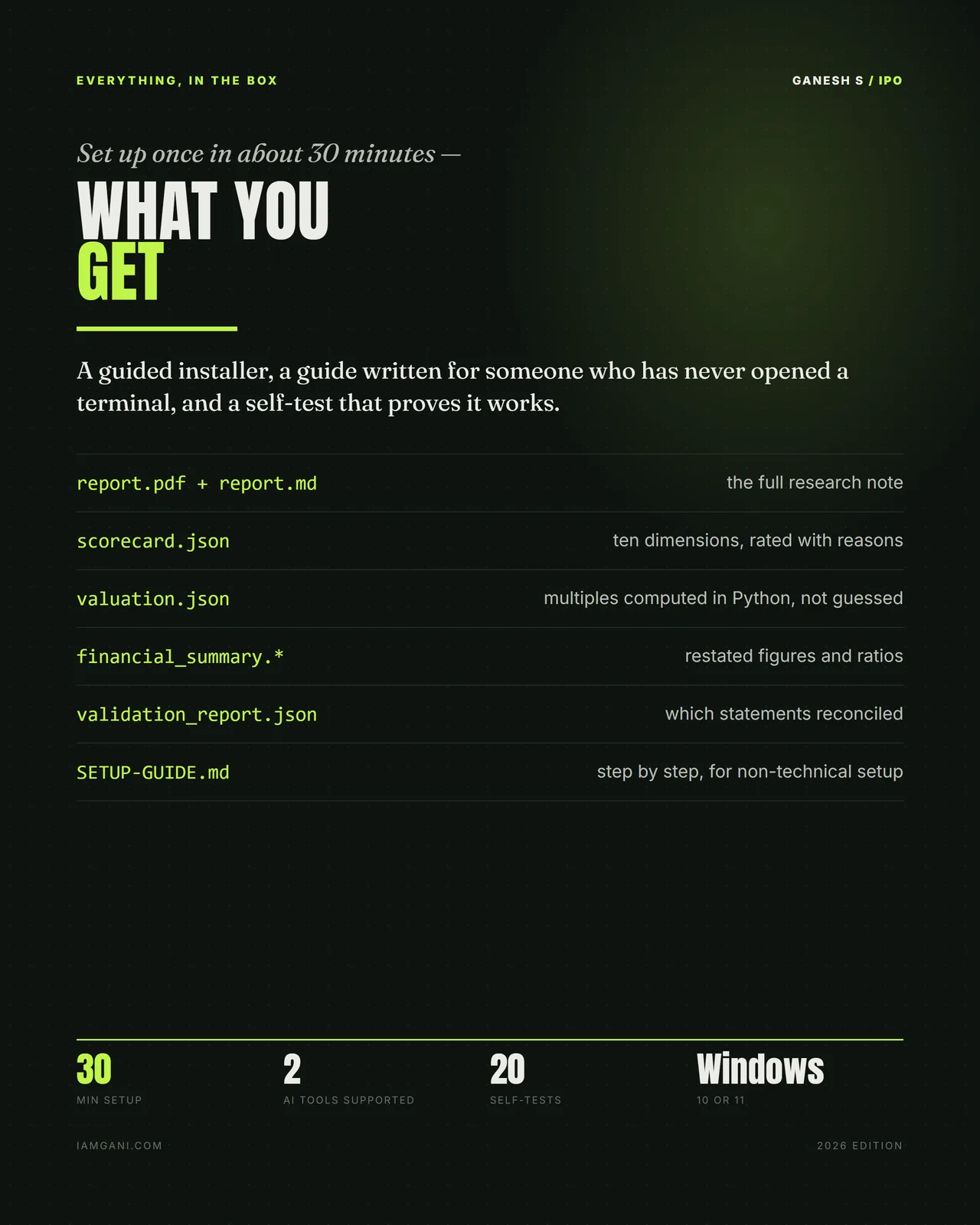
- report.pdf + report.md — the full research note, in both formats
- scorecard.json — ten dimensions, rated with reasons
- valuation.json — multiples computed in Python, not guessed
- financial_summary — restated figures and ratios
- validation_report.json — which statements reconciled, and which did not
- SETUP-GUIDE.md — step by step, for someone who has never opened a terminal
- A guided installer and twenty self-tests · Windows 10 or 11 · about 30 minutes to set up
Is it for you?
For you if
- You look at Indian IPOs and want the offer document read before you decide
- You would like new filings found every morning without checking three websites
- You want every figure traced back to a page in the filing
Not for you if
- You use a Mac: it runs on Windows 10 or 11
- You want it in the cloud: it runs on your own PC
Get it
Pricing
One-time purchase
Auto IPO Analyser Bot
- Daily sweep of SEBI, the NSE and the BSE
- Full research note — PDF and Markdown
- Ten-point scorecard with reasons
- Ranked red flags and computed valuation multiples
- 39-statement reconciliation on every filing
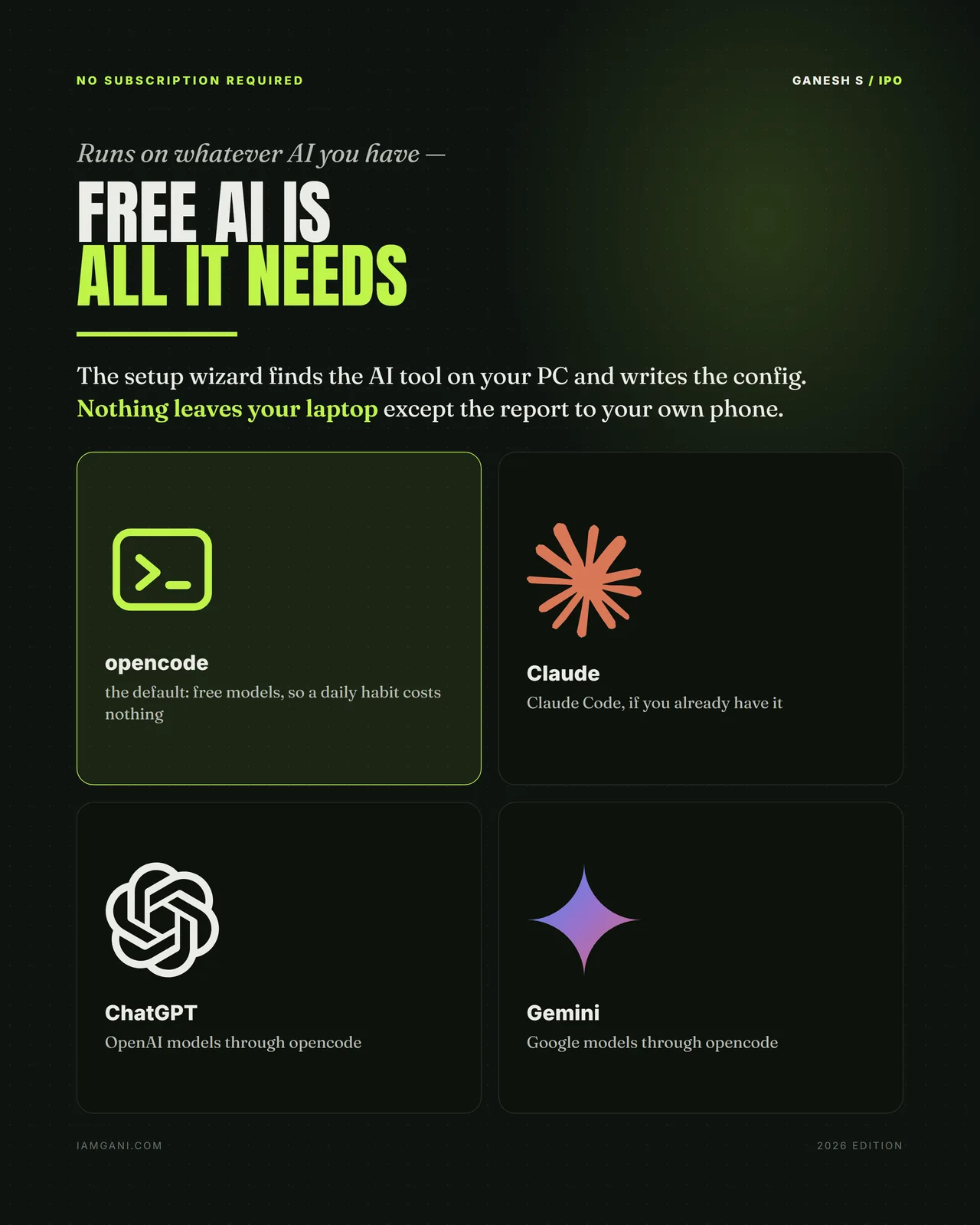
- Runs on free AI — no subscription of any kind
- Guided installer, non-technical setup guide, 20 self-tests
Download link shown here and emailed to you — you can't lose it.
Questions
How do I choose which IPOs to analyse?
Every morning the day's new filings arrive as one Telegram message, with the price band and dates. Tick the ones you want on your phone, and each report comes back in the same chat.
What comes back for each IPO?
A full research note as PDF and Markdown: a ten-point scorecard with reasons, ranked red flags, valuation multiples computed rather than guessed, and a 39-statement reconciliation of the filing.
Do I need a paid AI subscription?
No. It runs on free AI by default: there is no subscription of any kind.
What does it need to run?
A Windows 10 or 11 PC and about thirty minutes to set up, once, with a guided installer, a setup guide for non-technical users and twenty self-tests.
How do I get it after paying?
The download link appears on screen the moment your payment goes through, and the same link is emailed to you. If you ever lose it, your library re-sends every file you bought to the email you paid with.
Can I get a refund?
Sales are final, because the files are delivered the moment you pay. If a download fails or a file is faulty, email me and you will get a working copy; if you are ever charged twice, the duplicate is refunded in full, usually within 5–7 working days. The full terms are on the policies page.